LU05b – Creating databases and tables (SQL-DDL)
Learning objectives
- I can create, select and delete a database using SQL.
- I can create and delete a table with columns and data types using SQL.
- I am familiar with the naming conventions for tables and columns.
All commands on this page are part of the Data Definition Language (DDL) – the part of SQL used to define the structure of a database is defined.
An overview of the entire process
Silent demo video: The complete process in WebStorm. The following steps are shown in sequence: opening a new Query Console, creating a database using `CREATE DATABASE`, making it active with `USE`, creating a table with two columns and data types using `CREATE TABLE`, and finally entering data via the WebStorm interface and saving it with ‘Submit’.
The keyword PRIMARY KEY . This is what’s known as a constraint – we’ll cover that on the next page. When watching for the first time, concentrate on the sequence of steps.
Creating a database
A database is like a folder containing tables.
CREATE DATABASE bibliothek;
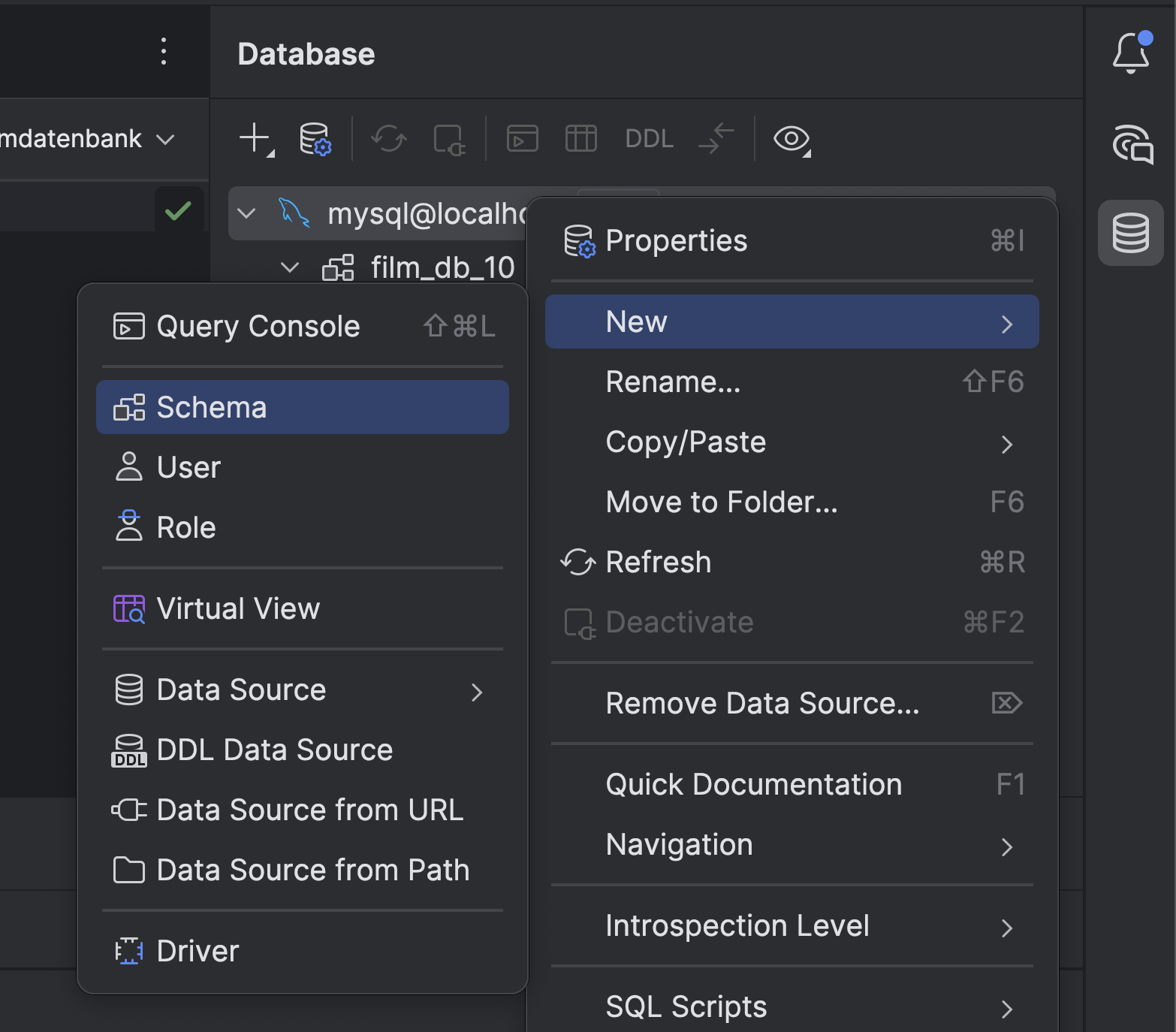
Up to now, we’ve done this in WebStorm by right-clicking on the connection: New → Schema. The SQL command does exactly the same thing.
Select a database
Several databases can co-exist on a MySQL server – for example library and filmsammlung. They are located within the same system but manage their data separately.
To ensure MySQL knows which database you are working in, select it first:
USE bibliothek;
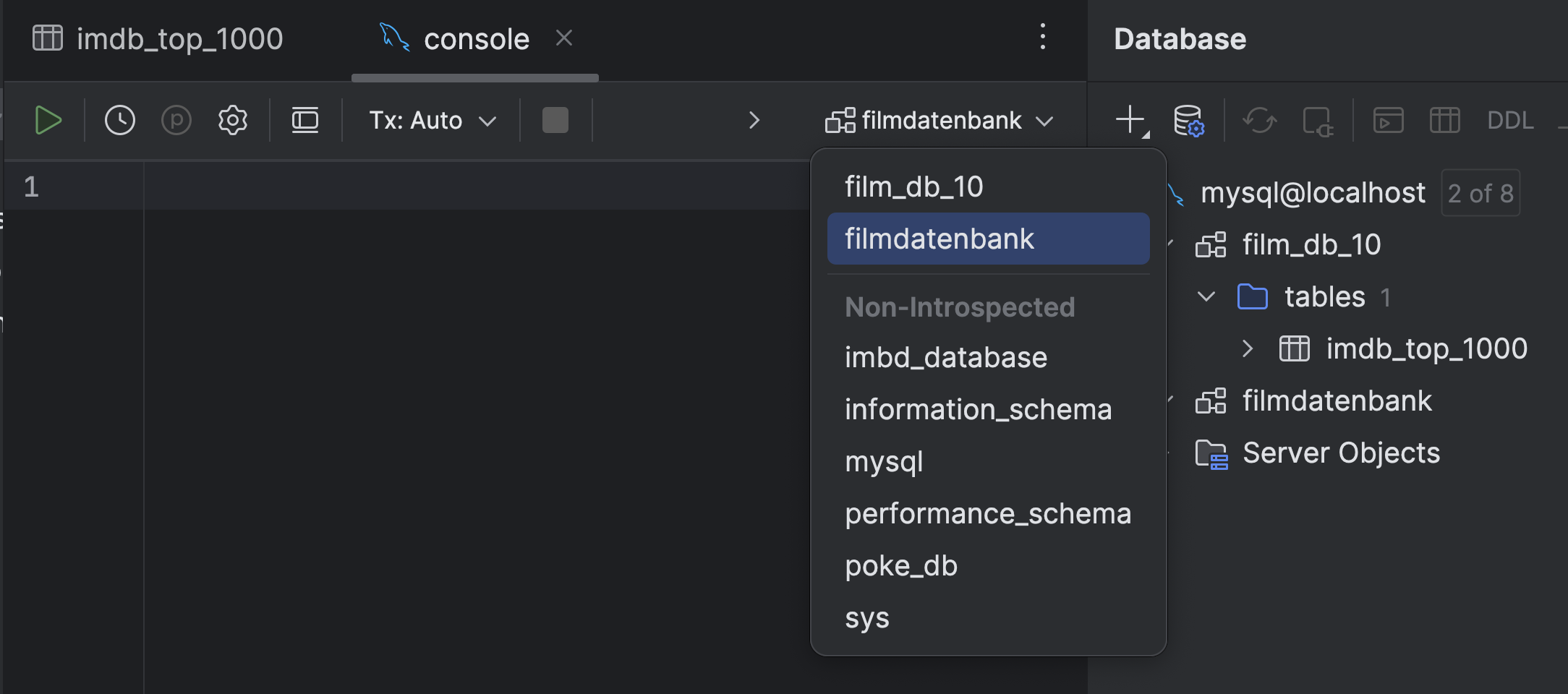
From this point onwards, all subsequent commands will apply to this database. In WebStorm, we have previously used the drop-down field at the top of the console window for this – the command USE does the same thing in SQL.
Create a table
Using CREATE TABLE you create a table in the currently selected database.
CREATE TABLE tabellenname (
  spaltenname1 DATENTYP,
  spaltenname2 DATENTYP
);
Please note: After the last column, there is no comma .
Example: Table buch
CREATE TABLE buch (
  buch_id INT,
  titel VARCHAR(100),
  isbn CHAR(13),
  seiten INT,
  preis DECIMAL(6,2),
  erschienen DATE,
  ausgeliehen BOOLEAN
);
The data types are taken directly from the discussion on the previous page. This table works – but it isn’t perfect yet: at present, two books could have the same book_id , and a book with no title at all would also be permitted. We’ll sort that out on the next page.
Naming conventions
- no spaces, no umlauts, no special characters
- lower-case letters only
- separate words with an underscore: buch_id, not BuchID
- Within a database, every table name must be unique
Deletion
DROP TABLE buch;

DROP DATABASE bibliothek;
Please note: Both commands will delete immediately and irrevocably – including all data. DROP DATABASE also removes all tables within it. Only use in production systems after a backup has been taken.
Overview
| Command | Meaning |
|---|---|
| CREATE DATABASE | Create a new database |
| USE | Switch to the active database |
| DROP DATABASE | Delete the database and all its tables |
| CREATE TABLE | Create a new table in the active database |
| DROP TABLE | Delete the table and all its data |
 Guido Koch